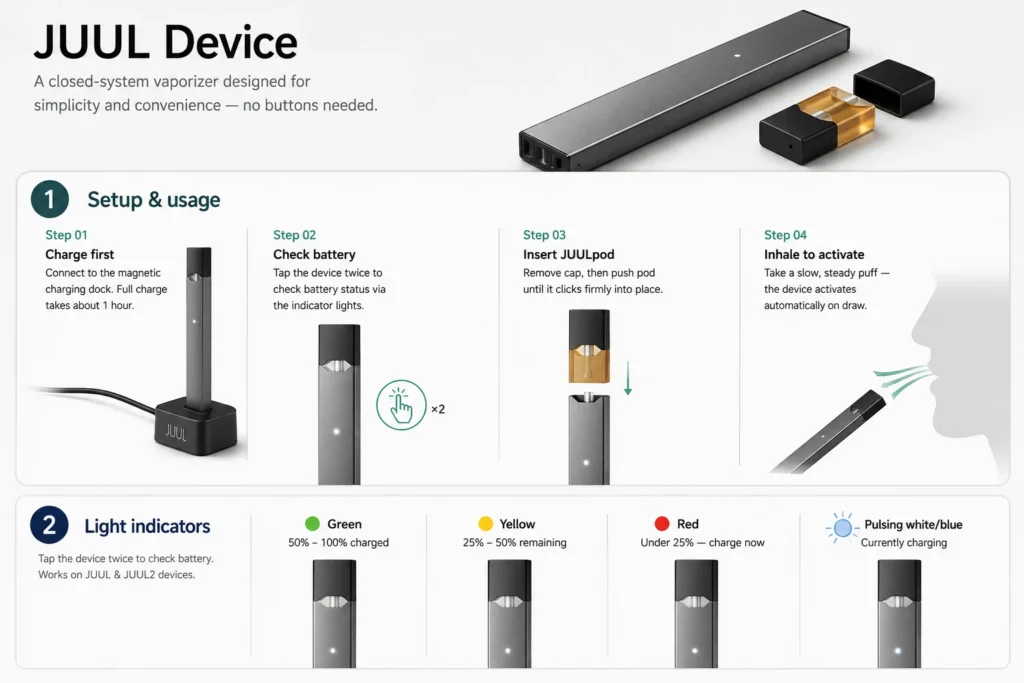
JUUL Device Quick Start Guide covering setup, battery indicators, and maintenance tips
Uses Guide For JUUL Device
A closed-system vaporizer designed for simplicity and convenience — no buttons needed.
Setup & usage
Charge first
Connect to the magnetic charging dock. Full charge takes about 1 hour.
Check battery
Tap the device twice to check battery status via the indicator lights.
Insert JUULpod
Remove cap, then push pod until it clicks firmly into place.
Inhale to activate
Take a slow, steady puff — the device activates automatically on draw.
Light indicators
Tap the device twice to check battery. Works on JUUL & JUUL2 devices.
Green
50% – 100% charged
Yellow
25% – 50% remaining
Red
Under 25% — charge now
Pulsing white/blue
Currently charging
Maintenance & tips
Clean contacts
Use a dry cotton swab if the pod or charging is not being detected.
Inhale gently
Slow, steady puffs help prevent leaking or spit-back.
Replace pods
Swap when flavor weakens noticeably or starts tasting burnt.
Proper storage
Keep upright in a cool, dry place — away from heat or direct sunlight.